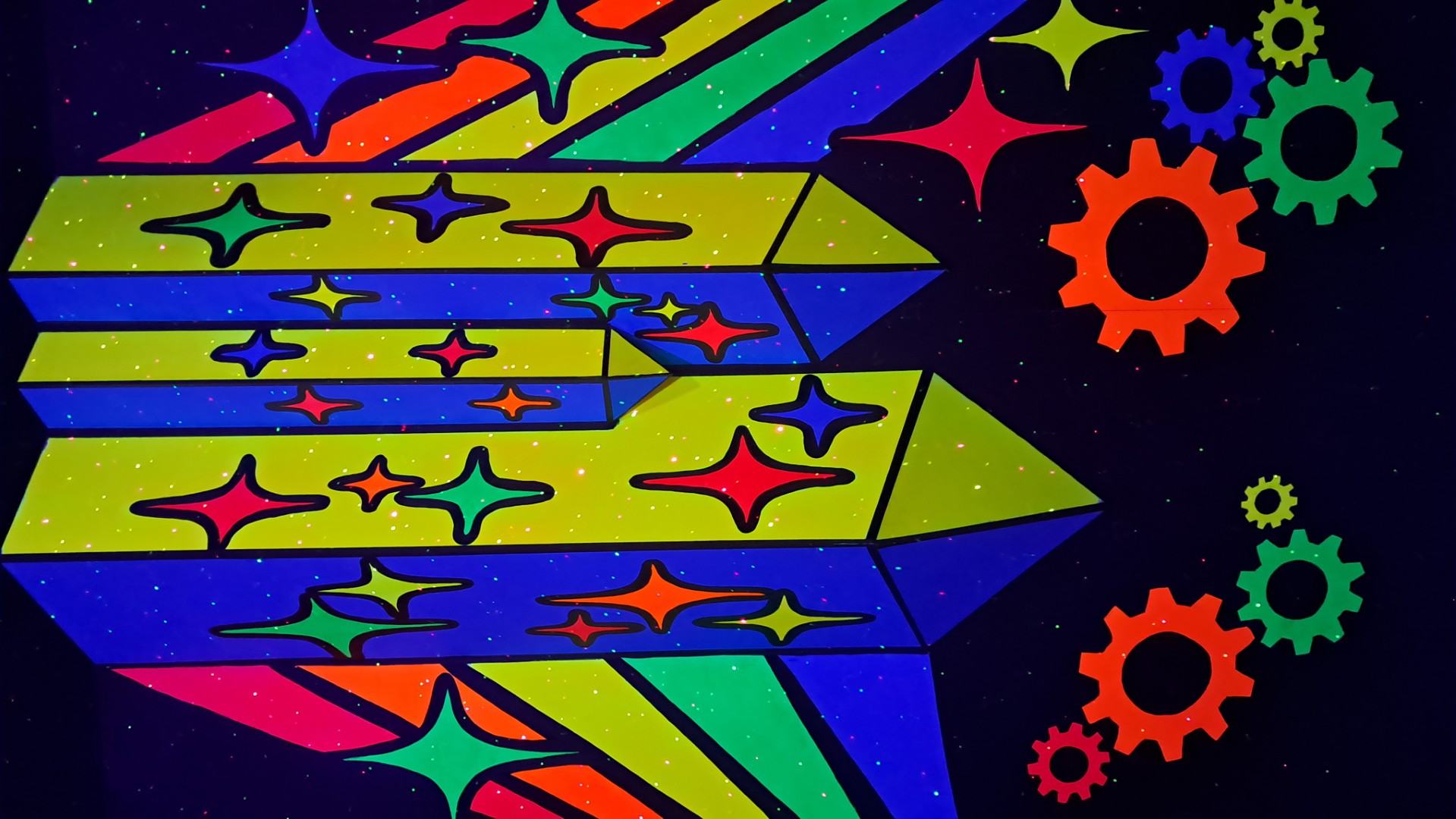
This is the home page of my Creative Technologies-inspired trip to Chicago!
I visited a bunch of cool places: the Museum of Science and Industry, the Adler Planetarium, the WNDR museum,
and a Gem/Mineral museum.
Got LOTS of ideas for projects we could make in Creative Technologies 😁
Obligatory picture of the city skyline...plus the car I rented
If you want to see ALL the pictures and videos from the trip, check out the repo here:
Chicago Trip Media Folder
I'm trying a new approach for this web page: a Single Page
Application (SPA).
All the content is in chunks of HTML, all CSS is included, and all media is linked, so no separate files
need to go with the HTML file.
When you use the nav buttons, the existing content is hidden and the new content (inside its own div) is
loaded.
The effect is a site with multiple pages, but there's just one file. Super easy to share!
Science Museum
Shadow-tracking apps: On the left, butterflies land on your shadow; on the right, your shadow
"collects" the
falling particles.
Pretty straightforward to do these with a camera and some image processing to detect the high-contrast shadow
area.
Then, use the shadow area as a collider in Unity/Unreal or use p5.js with a physics library.
Science Museum
Yes...that is an actual German U-Boat captured during World War II!
Plus a cool navigation simulator (with custom controls that would be really fun to build, totally
doable).
They had a bunch of old-school computers and consoles from the sub on display,
plus a virtual Enigma machine with an "encode/decode messages" demo.
Science Museum
Photogrammetry!
Take lots of pictures of a real-world object
from different overlapping angles, then use software (I'm using RealityScan by Epic, free) to stitch
them together and create a 3D model. Note that this differs from 3D scanning with LIDAR or depth cameras, which
is better for determining space in larger areas like rooms or buildings (but not as good for texture
detail).
I'm planning to write up and make videos of the workflow so others can try it too---capture sculpture, props,
costumes, etc and use
the models in game engines if you want, put them in your portfolio, etc. The results are really impressive
(amazing detail and textures) and the process doesn't take long.
On the trip I found a dozen or so interesting objects to try this on. Here's a music room in a giant "Fairy
Castle" exhibit.
This was only six pictures and it was through glass, so it wasn't ideal, but the model still looks pretty great,
check out the video!
Science Museum
VR experience: Cosmic Coaster...not for the faint of stomach!
I didn't try this here, but I did try a similar roller coaster VR experience at an arcade later in the
trip........ and for the first time in VR, I got motion sickness! UGH!
So I spent awhile researching about exactly why it happens, and it's not just "VR makes you
sick"...there are a LOT of factors involved, and these are critical for designers.
The main idea is that motion sickness happens when your brain gets conflicting signals from your eyes, your
inner ear (which senses motion), and your proprioceptors (which sense body position).
In VR, your eyes see the virtual world moving but the other two systems don't (you're sitting still, or
there's simulated motion in the chair but it doesn't match the visuals well). This conflict can lead to nausea,
dizziness, headaches, etc. And because it's fully immersive, the effect is FAR stronger than with traditional
screens--no reference point for the mind to "ground" itself. If you find this happening, immediately close your eyes---the visual sense is by far the strongest, so
the disconnect will be much less. Even though the chair might be moving (which is disorienting with
eyes closed), the visual disconnect is the main cause. Then stop the ride asap and when you're able, walk around
and
get fresh air.
Even though I bailed out before it got too bad, it took quite awhile before I felt recovered.
This was quite the lesson about how important good design is for user comfort in VR!
To reduce motion sickness in VR experiences, designers can use
these techniques:
- Minimize rapid or unnatural movements in the virtual environment
- Use teleportation or "blink" movement and rotation, especially if it has acceleration
- Provide a stable reference frame (like a cockpit or vehicle interior)
- Limit the field of view during fast movements (your peripheral vision is very sensitive to motion)
- Give users more control over movement and rotation speed instead of allowing the camera to move and rotate
on its own
- Movement is generally less disorienting than rotation
- Rotation can be QUITE disorienting, generally in this order from least to most:
- - Pitch (tilt head up/down)
- - Yaw (turn head left/right)
- - Roll (tilt head left/right)
- Combining two axes of rotation (like pitch + roll) can make users nauseous in no time, especially if there
are no reference elements and/or the user is not controlling it
- Ensure high frame rates and low latency to reduce visual lag
Planetarium
The Adler Planetarium was fantastic! So many cool exhibits and a great show about the universe. Many of the materials there are created in-house using similar tools to what we use in
Creative Technologies,
like Unreal Engine and After Effects.
Here's a "Moon Explorer" installation where you can fly around a 3D model of the moon and see different
features.
Joystick, some buttons, the model of the moon, and a big screen--all pretty straightforward to build your own
version of this!
Planetarium
A couple renderings of alien planets, created with Unreal Engine. They used real images from Mars for the
landscape, though the rover is a model. (The colored banding is an artifact from the screen).
Planetarium
Meteorites! Many of these space rocks are billions of years old. This one is about two feet
long and a foot in diameter, made mostly of iron and nickel, and weighs over
1000 pounds!
I did the 3D model/photogrammetry process on this, using the few pictures I could get without
moving it (obviously hehe).
My idea was to take the model into Unity and make a game where you have a ship and explore the
meteorite up
close as though it's a much larger asteroid.
Here's a video flyby to give a feel for gameplay. I put a simple script on the camera to move it
forward, then modified the
material settings (using the Inspector, not seen) in realtime.
Here are some shots of different materials applied to the model in Unity, showing how different the look can be
depending on the settings like base texture, color, and emission. As you see in the
video, all these settings can be modified in realtime or because of user input, events, timers, etc. There's
literally no limit to the kinds of effects and interactions you can create...and using photogrammetry, you can
bring in all sorts of real-world objects and spaces!
Original texture
Original texture, metallic effect
Alternate rock texture, gold emission
Alternate rock texture, red/lava emission, closeup
WNDR Museum
The WNDR museum was a really fun, interactive art and technology space. Lots of installations that would be
great to draw inspiration from for projects.
This one is a giant 3D kaleidoscope that you walk through with 3D glasses. Red colors "come forward", blue
colors "go back". The dark walls help isolate the colors so the effect is really strong.
You can't see the 3D effect in this image, but it was phenomenal in person!
WNDR Museum
Do you believe what you see??
Hundreds of color swatches on the walls, and two overhead lights: one a sodium bulb,
which emits a very narrow spectrum of light (mostly orange), and the other a regular bulb with a broad spectrum.
They alternated every few seconds, so you could see the same colors under both lights. The colors look completely different under the two lights--nearly all the saturation is lost with the
orange
glow!
This is a great demonstration of how much our perception of color depends on the light that's illuminating it,
and how our brains interpret that information.
WNDR Museum
Flowing floor! Video to come...
This room was SO COOL...sensors all over the floor knew where you stood, and the pattern created ripples and
swirls around your feet as you moved.
It was mesmerizing to watch the patterns change as you walked around. The swirls had a lifespan for awhile
so they would slowly dissipate, like smoke rings or water ripples.
They looked especially cool when they hit the edges of the room. Having mirrors everywhere added a ton to the
experience too!
Gem/Mineral Museum
On the last day of the trip I stopped at a really interesting gem and mineral museum! Here are a couple of my
favorite
pieces:
Carving of a castle using a number of different stones, super detailed and intricate.
And one of the most mind-blowing pieces I've ever seen: a concentric sphere carved from a single piece of ivory,
with 24 interior spheres. Yes, that's right...you carve into the main sphere, then carve away enough for
the next one to separate. Then repeat the process for
each subsequent sphere...carving *through* the existing ones.
Unbelievable craftsmanship and patience that takes years, if not decades.